

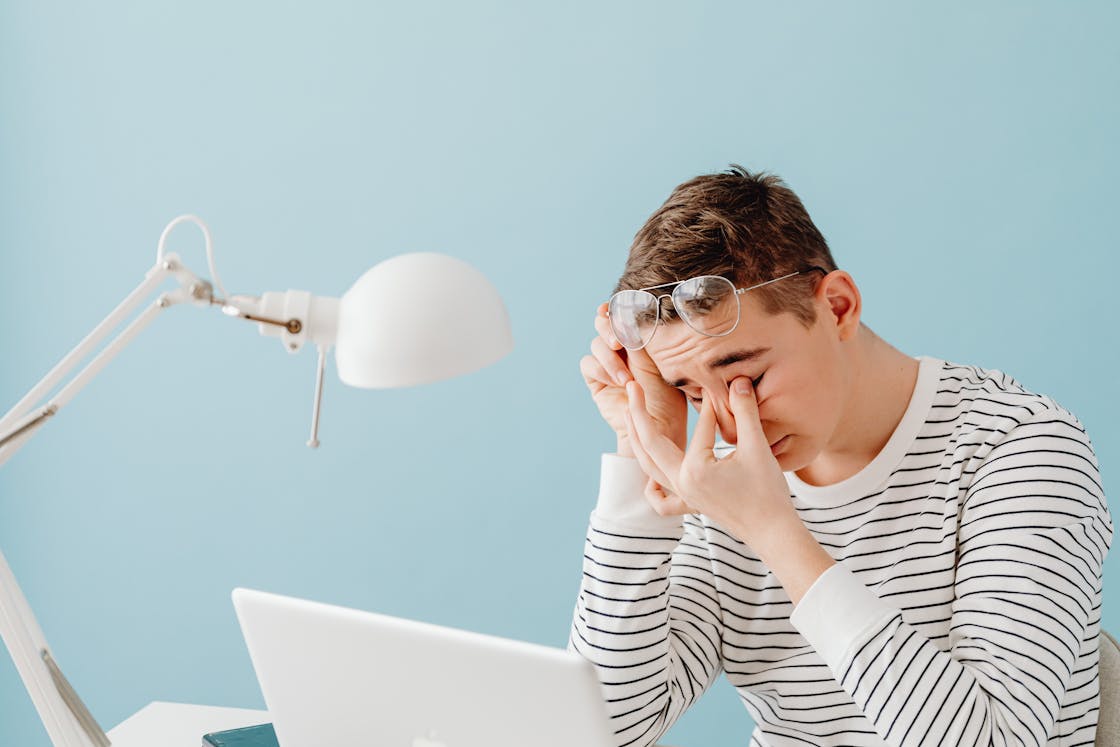
By the end of a long workday, your eyes often feel it before anything else.
That dry, worn sensation, the slight blur when you look away from your screen, or the headache that builds behind your eyes, it’s become a normal part of modern work. But it shouldn’t be.
Eye strain isn’t just about screen time. It’s usually the result of how we work: prolonged focus, poor lighting, limited breaks, and screens that aren’t set up properly.
The good news is that small adjustments can make a noticeable difference. With a few simple habits, you can reduce strain, stay comfortable, and protect your long-term eye health.
Why Eye Strain Happens in the Office
Digital eye strain, sometimes referred to as computer vision syndrome, is increasingly common among office workers.
According to the NHS, extended screen use can lead to symptoms such as dry eyes, blurred vision, and headaches.
The main causes include:
● Staring at screens for long periods without breaks
● Reduced blinking, which dries out the eyes
● Poor lighting or screen glare
● Screens positioned too high, low, or close
● Continuous close-up focus without variation
Unlike other types of strain, eye fatigue often builds gradually. You may not notice it until it’s already affecting your comfort and concentration.
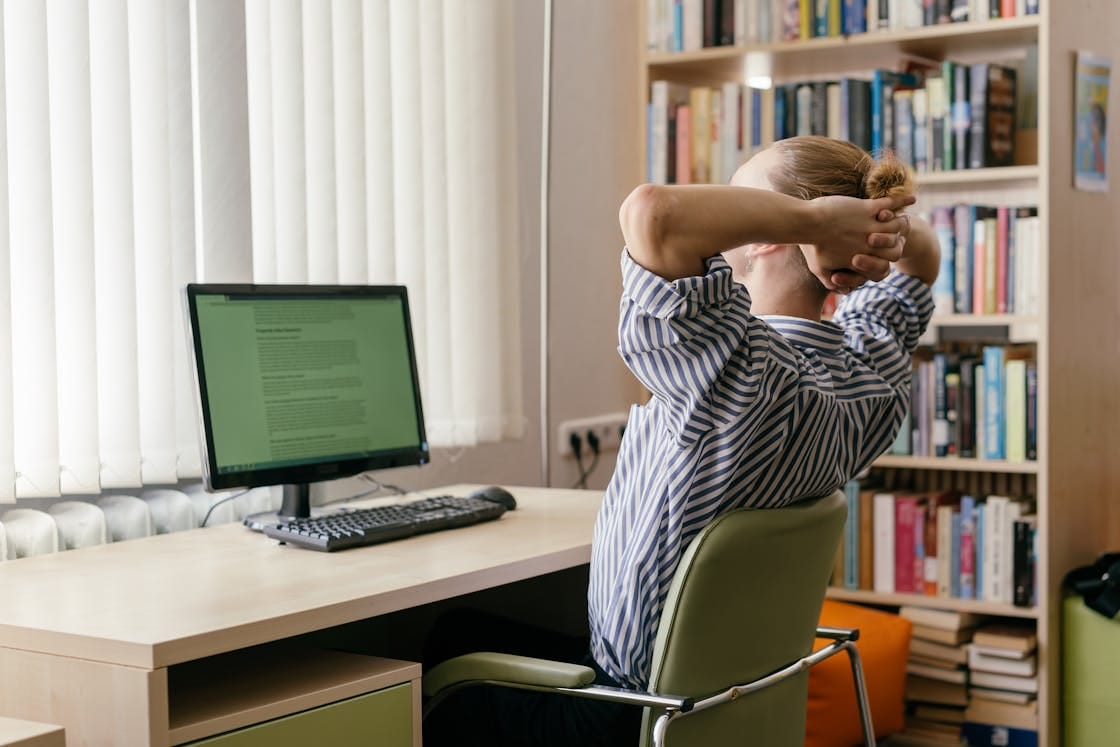
Simple Ways to Reduce Eye Strain
➔ Follow the 20-20-20 Rule
One of the most effective habits is also the simplest.
Every 20 minutes, look at something 20 feet away for at least 20 seconds. This allows your eye muscles to relax and reset.
The American Optometric Association recommends this technique as a practical way to reduce digital eye strain.
➔ Adjust Screen Brightness and Contrast
Your screen shouldn’t be significantly brighter or darker than your surroundings.
If it feels harsh, lower the brightness. If you’re squinting, increase contrast or adjust text size. The goal is to make reading effortless rather than straining.
➔ Position Your Screen Correctly
Screen placement has a direct impact on eye comfort.
Ideally:
● The top of the screen should be at or slightly below eye level
● The screen should sit about an arm’s length away
● You should be looking slightly downward, not straight ahead or upward
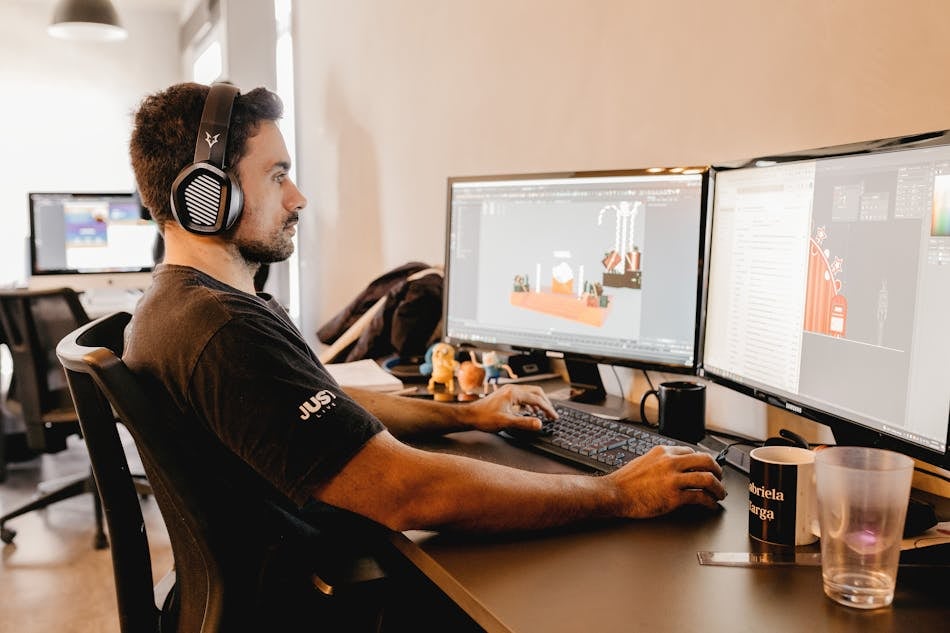
Pairing your setup with a height-adjustable desk can help align your screen properly, whether you’re sitting or standing.
➔ Reduce Glare and Improve Lighting
Overhead lights, windows, or reflective surfaces can cause glare on your screen, forcing your eyes to work harder.
To reduce this:
● Position your screen away from direct light sources
● Use soft, ambient lighting rather than harsh overhead lights
● Adjust blinds or curtains if needed
➔ Blink More Often
It sounds obvious, but when focusing on screens, we blink less.
Blinking keeps your eyes hydrated. Making a conscious effort to blink more frequently can help reduce dryness and irritation.
The Mayo Clinic notes that reduced blinking during screen use is a key factor in dry eye symptoms.
Improving Your Workspace for Eye Comfort
➢ Create a Balanced Setup
Your eyes respond to your entire environment, not just your screen.
A well-arranged workspace, including your desk height, chair position, and lighting, helps reduce unnecessary strain. An ergonomic office chair supports posture, which in turn affects how naturally you view your screen.
➢ Alternate Between Sitting and Standing
Changing your position throughout the day shifts how your eyes engage with your screen.
Standing periodically can help reset posture and reduce the fixed gaze that contributes to fatigue. A walking pad can also introduce gentle movement, helping break up long periods of stillness.
➢ Take Proper Breaks
Short breaks are essential, but they need to involve more than just switching tabs or checking your phone.
Step away from your screen completely. Even a brief walk or looking out of a window allows your eyes to rest properly.
The World Health Organization recommends breaking up sedentary behaviour regularly to support overall health, including reducing strain from prolonged screen use.
Practical Guide: Daily Habits to Protect Your Eyes
Start With Your Setup
Before your workday begins, make sure:
- Your screen is positioned correctly
- Lighting is comfortable and even
- Text size is easy to read
Build Micro-Breaks Into Your Day
Instead of waiting until your eyes feel tired, take short breaks consistently throughout the day.
Stay Hydrated
Hydration plays a role in maintaining healthy tear production. Drinking enough water can help reduce dryness.
Limit Screen Time After Work
Your eyes don’t fully recover if you move straight from work screens to phones or TVs. Giving your eyes a break in the evening helps prevent cumulative fatigue.
FAQ: Common Questions About Eye Strain
How do I know if I have eye strain?
Common signs include dry or watery eyes, blurred vision, headaches, and difficulty focusing after prolonged screen use.
Does blue light cause eye strain?
Blue light itself isn’t the main cause. Eye strain is more closely linked to prolonged focus and reduced blinking. However, reducing blue light in the evening can help with sleep quality.
Are screen glasses worth it?
For some people, especially those who work long hours on screens, glasses designed for screen use can reduce discomfort. It depends on individual needs.
How often should I take breaks from screens?
Ideally, every 20 minutes. Even short breaks can significantly reduce strain over time.
Conclusion
Eye strain has become so common that many people accept it as part of the job.
But it doesn’t have to be.
With a few small adjustments, better screen positioning, regular breaks, and a more supportive workspace, you can reduce discomfort and protect your eyes throughout the day.
It’s not about overhauling your entire routine. It’s about making simple changes that your eyes will quietly thank you for, day after day.


_20260602_cc9a7609.png)


