

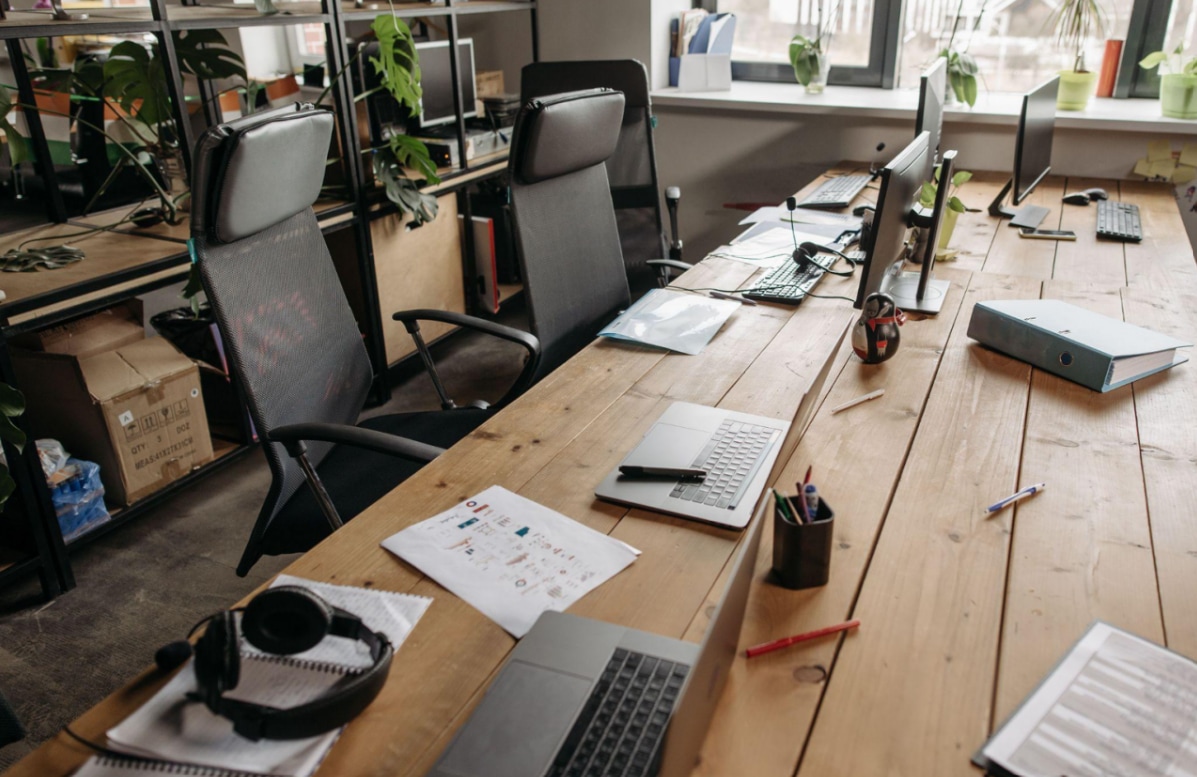
Where should your desk face? It sounds like a simple interior design decision, yet its position can influence how comfortable, focused and energised you feel throughout the working day.
Some people prefer facing a wall because it creates a quiet environment with fewer distractions. Others position their desk towards a window, enjoying natural light, outdoor views and a greater sense of openness.
Both approaches have advantages, but the research suggests the answer is more complicated than choosing one over the other. Lighting conditions, visual distractions, room layout and the type of work you do all influence which arrangement feels best.
Understanding these factors can help you create a workspace that supports concentration without sacrificing comfort or wellbeing.
Why Desk Orientation Matters
Desk positioning affects more than the appearance of a home office.
Your surroundings influence attention
The environment around your desk determines what enters your field of vision while working.
A busy street, television or doorway can introduce distractions. Equally, an empty wall may feel restrictive if you spend hours concentrating in one small space.
The ideal arrangement balances visual stimulation with enough calm to support demanding tasks.
Natural light affects comfort
Daylight changes throughout the day, influencing screen visibility and the atmosphere of the room.
The Health and Safety Executive's workplace lighting guidance explains that natural light is generally preferred by workers, although it can also create glare and reflections.
This makes window placement an important consideration when arranging a workstation. --altImgStart--{"link":"https://s3.springbeetle.eu/prod-eu-s3/commodity/item/cghtjk_20261026_qrYOZNVQ.png"}--altImgEnd--
The Case for Facing a Wall
Positioning a desk towards a wall can create a more controlled working environment.
Fewer visual distractions
Facing a relatively plain wall limits the amount of movement entering your direct field of vision.
This may be particularly useful for tasks requiring sustained attention, such as writing, programming, financial analysis or detailed design work.
Unlike a window overlooking a busy street, a wall provides a consistent visual background.
A clearer sense of separation
In bedrooms and multifunctional living spaces, a wall-facing desk can help establish a dedicated working zone.
This arrangement may also prevent household activity from becoming a constant distraction.
However, the benefit depends on the individual. Some people find enclosed workspaces reassuring, while others prefer a more open environment.
Avoid making the space feel restrictive
A desk facing a completely blank wall may feel uninspiring, especially in a small room.
Consider adding a simple picture, plant or understated shelf to create visual interest without introducing excessive clutter. --altImgStart--{"link":"https://s3.springbeetle.eu/prod-eu-s3/commodity/item/Screenshot%202026-10-26%20154559_20261026_xf71zTFa.png"}--altImgEnd--
The Case for Facing a Window
Windows introduce natural light, outdoor views and opportunities for brief visual breaks.
Natural views may support wellbeing
A 2025 meta-analysis published in BioScience examined 104 study results and found positive associations between viewing nature through windows and several health outcomes, particularly psychological wellbeing.
Although these findings do not establish that every window-facing workstation improves productivity, they suggest that outdoor views can contribute positively to indoor environments.
Views can offer mental breaks
Looking away from a computer screen towards trees, buildings or the horizon provides a change in visual focus.
Research published in the Journal of Environmental Psychology found that nature views improved positive mood and certain aspects of creativity, although improvements were not observed across every attention measure.
This distinction matters. A pleasant view may support wellbeing without automatically increasing concentration during every task.
The downside is glare
Facing directly towards a bright window can create a strong contrast between the monitor and background.
This may cause visual discomfort, particularly when sunlight changes throughout the day.
The HSE recommends adjusting workstation positions and window coverings to reduce glare rather than simply accepting uncomfortable lighting conditions.
--altImgStart--{"link":"https://s3.springbeetle.eu/prod-eu-s3/commodity/item/Screenshot%202026-07-27%201517471_20261026_Yhxft2te.png"}--altImgEnd--
Is Placing Your Desk Sideways the Best Compromise?
For many home offices, positioning the desk perpendicular to a window offers a practical alternative.
Enjoy daylight without facing it directly
A sideways arrangement allows natural light to enter from one side while keeping the brightest part of the window outside your central viewing area.
This may reduce direct glare, depending on the window's orientation and the position of the sun.
However, it is not a universal solution. Sunlight can still reach the screen from certain angles.
Keep the screen comfortable
The HSE's display screen equipment guidance recommends arranging workstations to minimise reflections and using curtains or blinds when necessary.
Position your monitor so you can view it comfortably without turning your neck or leaning forwards.
If reflections remain visible, adjust the screen angle or window coverings before changing the entire room layout.
Consider the direction of sunlight
A north-facing room generally receives different daylight conditions from a south-facing room.
Likewise, east-facing windows may produce stronger morning light, while west-facing windows can create uncomfortable afternoon glare.
Recent research into window orientation and desk placement reinforces the importance of evaluating lighting conditions rather than relying on a single preferred layout.
--altImgStart--{"link":"https://s3.springbeetle.eu/prod-eu-s3/commodity/item/pexels-yankrukov-8867431_20260917_ePGwhmtS_20261027_Olmtaf4z.jpg"}--altImgEnd--
Match Your Desk Position to Your Work
Different tasks benefit from different environments.
Deep concentration and detailed work
If your day involves extensive writing, coding or analysis, a wall-facing arrangement may help reduce external distractions.
Keep the workstation well lit and take regular breaks away from the screen.
Creative and exploratory work
People involved in brainstorming, writing concepts or design may appreciate access to natural views.
A window-facing or side-facing arrangement can provide visual variety during periods of reflection.
Video meetings and collaborative work
Consider what appears behind you during video calls.
Facing a wall may create a simple background, while a window behind your chair can cause backlighting problems.
A sideways window position often makes it easier to balance natural lighting and camera visibility.
How to Find the Right Orientation
Rather than rearranging your entire room immediately, test a few simple changes.
Observe the room throughout the day
Notice when sunlight enters, where reflections appear and whether outside activity affects concentration.
Morning and afternoon conditions may differ considerably.
Test each arrangement
If space allows, try different desk positions for several working days.
Consider comfort, distraction levels, screen visibility and how easily you can move around the room.
Adjust lighting before moving furniture
Blinds, curtains and task lighting may solve problems without requiring a different desk orientation.
Choose the simplest adjustment that improves your working experience.
Final Thoughts
Science does not identify one universally superior desk orientation. Facing a wall may reduce visual distractions, while facing a window can provide natural light and potentially restorative outdoor views.
For many home offices, positioning a desk sideways to a window offers a useful compromise, provided glare is properly managed.
Ultimately, the best arrangement depends on your work, lighting conditions and personal preferences.
A productive workspace should feel comfortable, provide suitable light and allow you to concentrate without unnecessary strain. Instead of following one rigid design rule, choose the orientation that works best throughout your actual working day.


_20260602_cc9a7609.png)


